
Alarm Analysis and Asset Timezone
Most apps on the Industrial App Store assume you want to view time-series data in your local time. This will be derived from the regional settings of the PC, phone or tablet you access the App Store from.
Alarm Analysis is a little different however, in that you can override this option and set an explicit timezone. This would be useful if, for example, you were viewing an asset in Perth, Australia from an office in Aberdeen, Scotland and wished to interrogate and view the data as if you were in the control room.
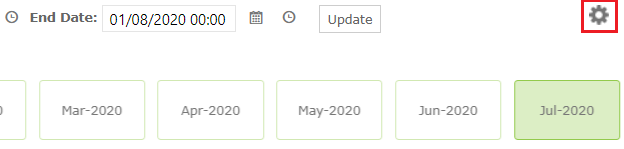
To specify an explicit Asset Timezone, select the “cog” configuration icon…
then select an Asset Timezone.
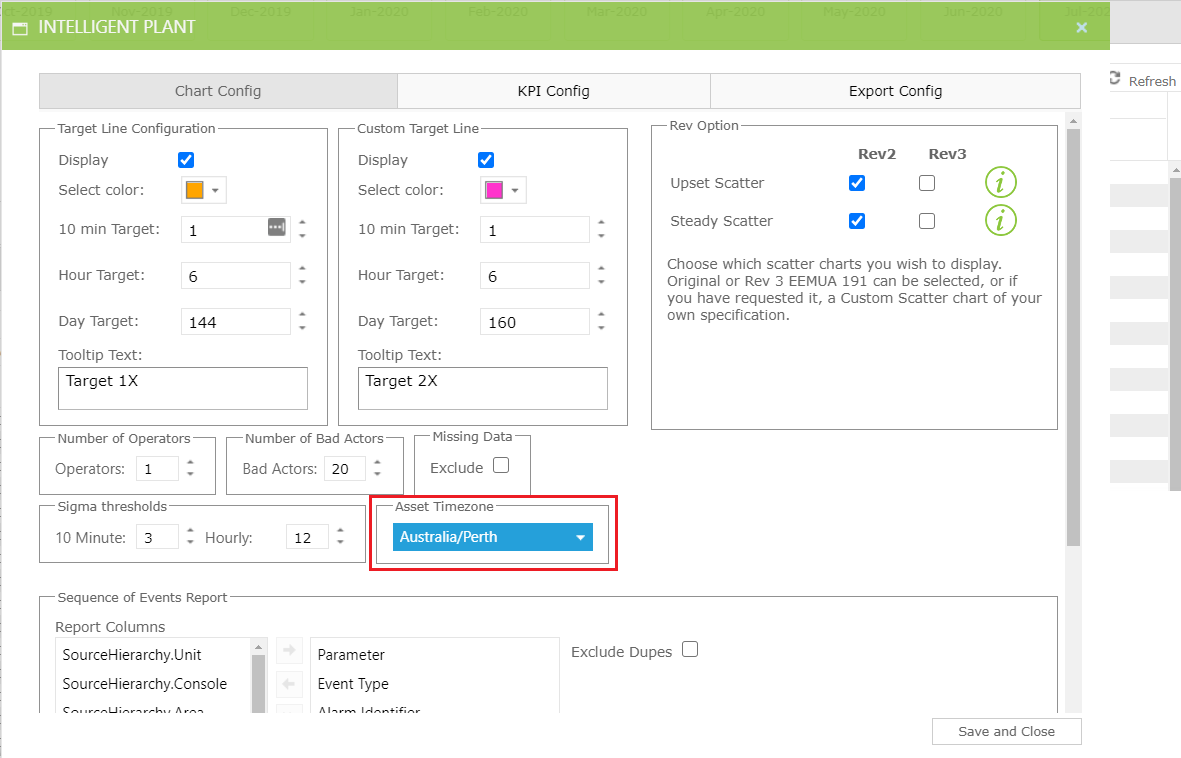
Now all dates are interpreted and presented for that timezone:
- Date selectors are interpreted as being in Australian Western Standard Time
- Day Counts are for 00:00.00 - 23:59.59 [1] Australian Western Standard Time
- The Sequence of Events View shows all time-stamps in Australian Western Standard Time
- etc…